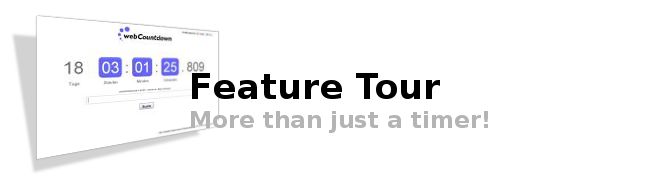
Create, customize & share your personal countdown timer
More than just a timer - Create your webCountdown
Enter a secret message that will appear when the countdown ends.
Activate the autorepeat function. Use webCoutndown for example to count down to your weekend - every week friday 5 p.m.
Choose a alarm sound or any YouTube video as video alarm.
Decide if the countdown continues counting in the other direction once the countdown is over.
Allow your visitors to leave a comment and use the the moderation tools to remove unwanted content.
Select a layout and customize your countdown timer
Lable your countdown
Choose one of 40 different background images - for example for your holiday, wedding or christmas countdown
Change the text and background color
Select a special design to make your countdown look like a digital clock
Share your countdown with your friends
Every countdown has a unique link to your personal countdown.
Share your public link with your friends send them a email or use the share button on your countdown page.
Use your countdown password or you private link to change your countdown settings.
List your countdown in the public countdown directory to get additional visitors and shares for your countdown event.
Activate the presentation mode to hide most of the control elements on your countdown page and use the impressive countdown for events or presentations.
"webCountdown for your website" - Integrate a tiny version of your countdown on your website or blog and manage the settings conveniently over your webCountdown settings page.