
Countdown comments
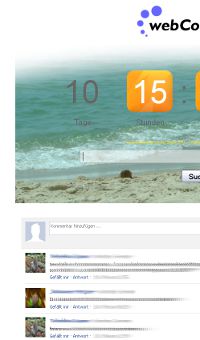
Use the comment function to let your friends and visitors post a message below your countdown timer. It is easy to use! The comment function is provided by facebook, so everybody who has a facebook/yahoo!/AOL or Hotmail account can use this feature.
Post a message and next time your friends check back they will see it.
For the countdown owner there is even a possibility to moderate the comments. The countdown owner can hide inappropriate posts or ban users from posting.
How to activate the comment function?
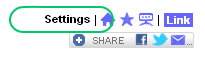
As countdown owner there is the "Settings" link in the upper right corner on your countdown page. (Remark: To see this link you have to use the private Link to get to your countdown. If you came to the countdown page using the "Quick start" button, click on "Generate public link" first.)
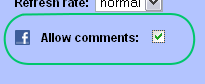
Check the "Allow comments" checkbox, save the settings and voilà your countdown has a new feature.
